
Export your peptide log to CSV
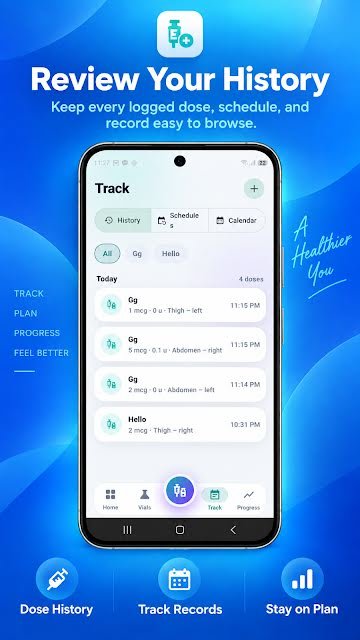
PepVault exports your recorded dose history as a CSV file. A CSV opens in Excel, Google Sheets, Numbers and most other tools, so you can keep your own copy or review the history outside the app.



For Android, iPhone, iPad and Mac. On the App Store the app is listed as PeptideMate.
What it records
- Your recorded dose history in one file
- A standard CSV that opens in any spreadsheet
How to use it
- Open the app settings.
- Choose the option to export your dose history.
- Save the CSV file or send it to yourself.
Why it helps
Your records are yours. An export means the log is not locked inside one app: you can archive it, chart it your own way, or hand a printout to the professional you are working with.
Questions about the csv export
Can I open the export in Excel or Google Sheets?
Yes. CSV is a plain-text spreadsheet format that Excel, Google Sheets and Apple Numbers all open directly.
More in PepVault
-
Peptide dose log
Record the peptide, amount, date, time, site and notes in a few taps.
-
Vial inventory and expiration tracking
Strength, lot number, cost, expiry, storage and how much is left in each vial.
-
Schedules and dose reminders
Set your own schedule, get reminders and see what is due today.
-
Injection site tracker
Mark each site on a body map and see where earlier entries went.
-
Progress, measurements and side effects
Weight, body fat and waist over time, daily check-ins and a side effect record.
Start your log today
PepVault is free to download for Android, iPhone, iPad and Mac. Add your first vial and log your first dose in under a minute.
For Android, iPhone, iPad and Mac. On the App Store the app is listed as PeptideMate.